Spawn large terrain objects in one click
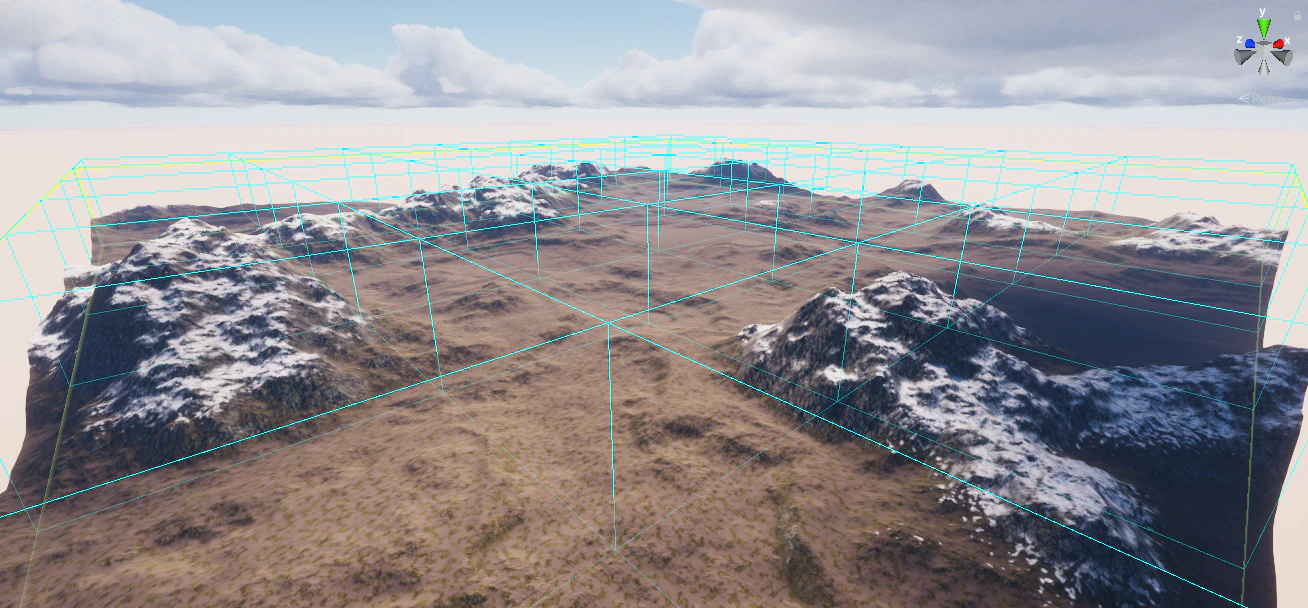
Object Stamper fills the entire stamper area in a single pass. For very large terrains, enable Use Spawn Cells so the area is processed cell by cell instead of all at once. This avoids long freezes and prevents Unity from crashing on extremely large areas.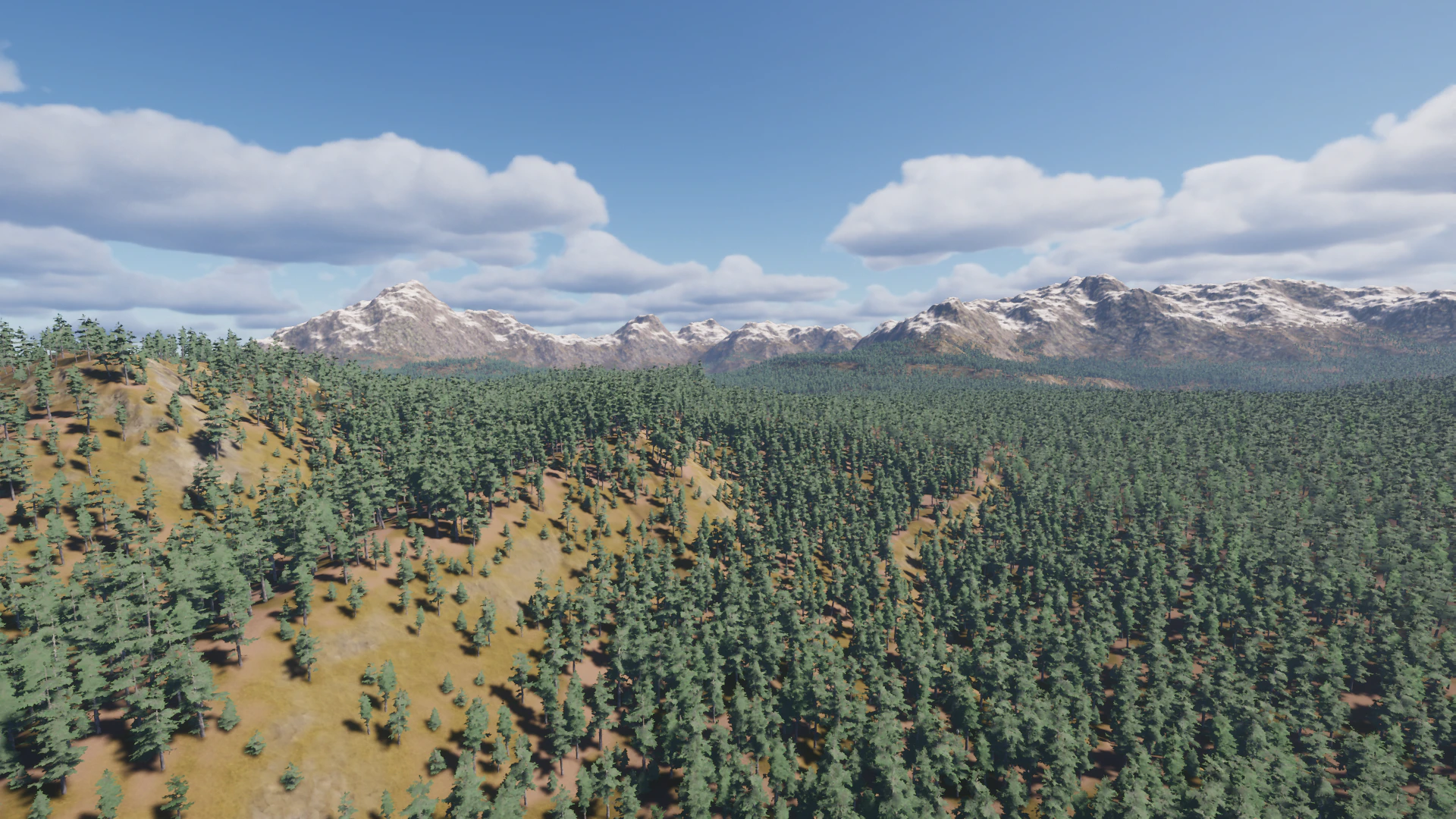
Optimized visualization for large terrains
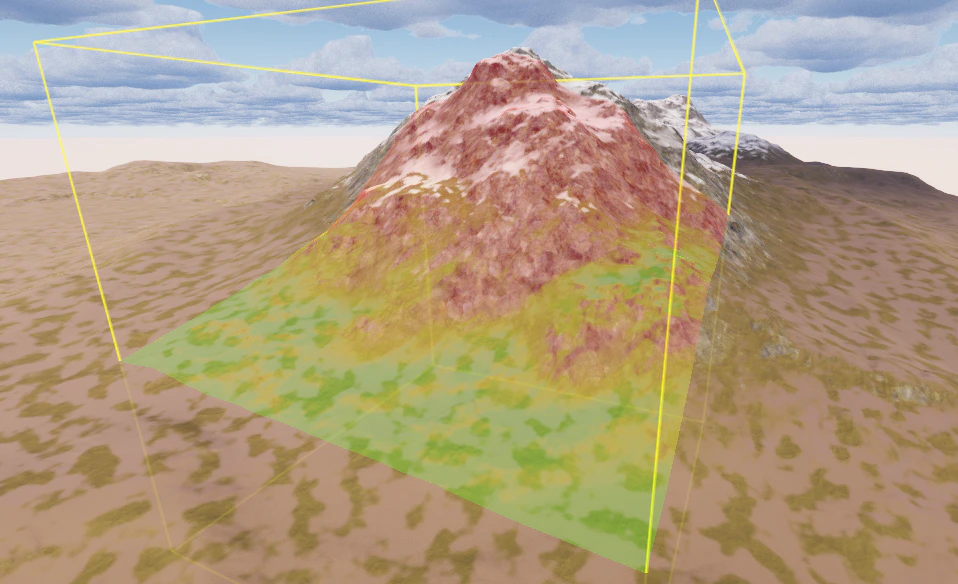
Enable Visualisation in the Stamper Tool Controller to preview mask filter output directly in the scene view. Visualization quality and style can be adjusted globally in Preferences.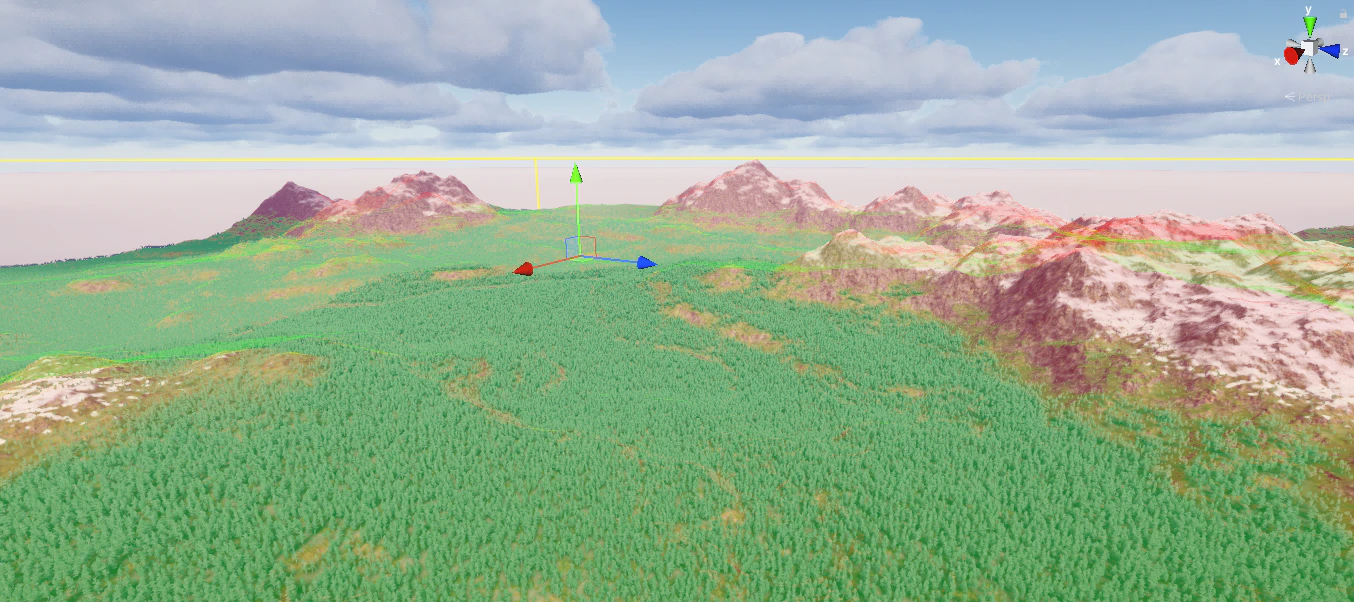
Shared settings across tools
Types in MegaWorld are reusable presets. The same Type you configure in Object Stamper can be used directly in Object Brush. Build and tune a preset in the stamper using Auto Respawn, then hand-paint with the same rules in the brush — no duplication needed.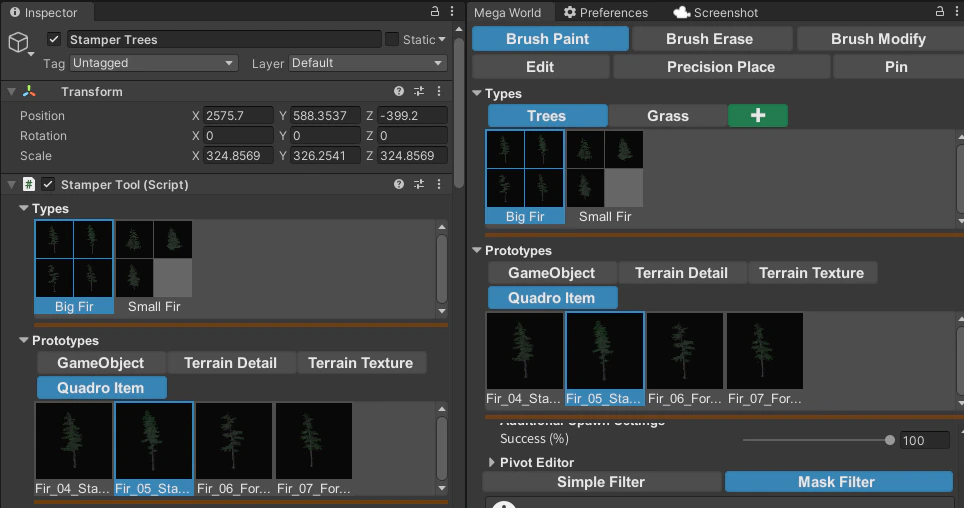
Auto Respawn
When Auto Respawn is on, Object Stamper automatically removes and re-spawns the current pass every time you change a setting. Use this during setup to get instant feedback. Set Delay Auto Spawn to control the respawn delay in seconds.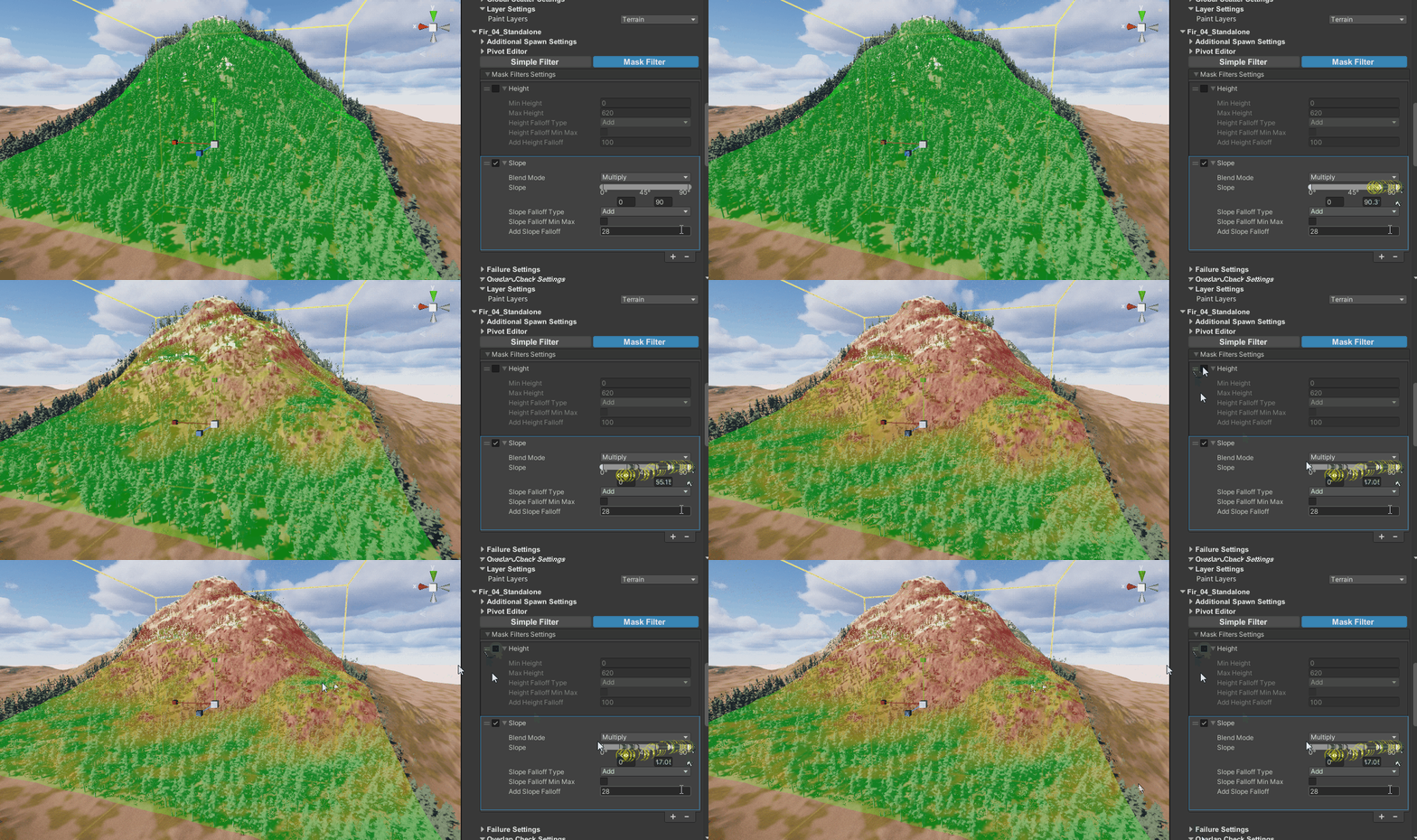
Works on Unity Terrain and terrain mesh
Object Stamper works on both Unity Terrain and polygon terrain meshes such as Polaris. For mesh terrain, switch to Simple Filter instead of Mask Filters.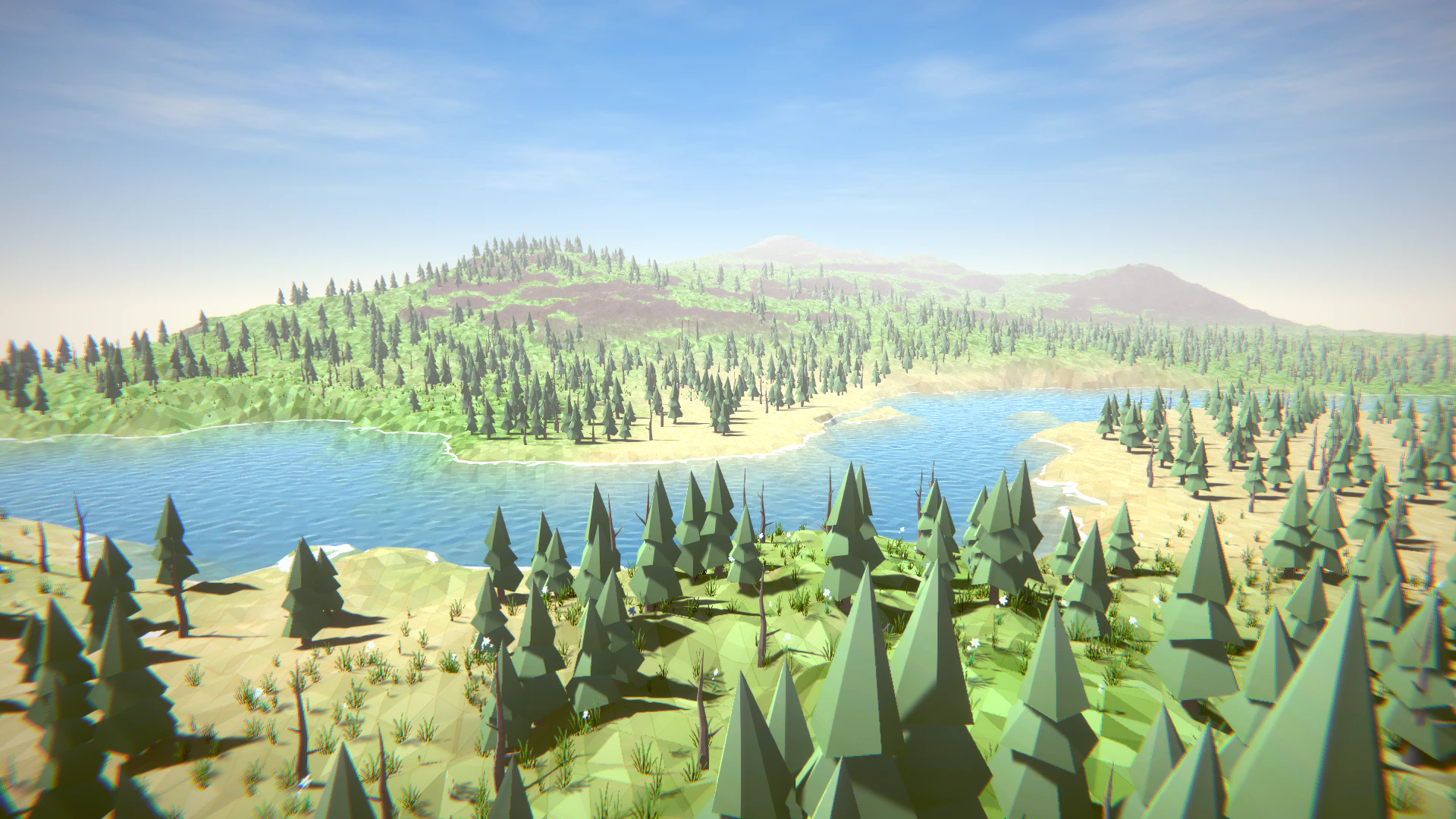
Cell support
Placed objects are stored in spatial cells. This enables Overlap Check Settings, and makes tools like Brush Erase and Edit aware of exactly where each object was placed.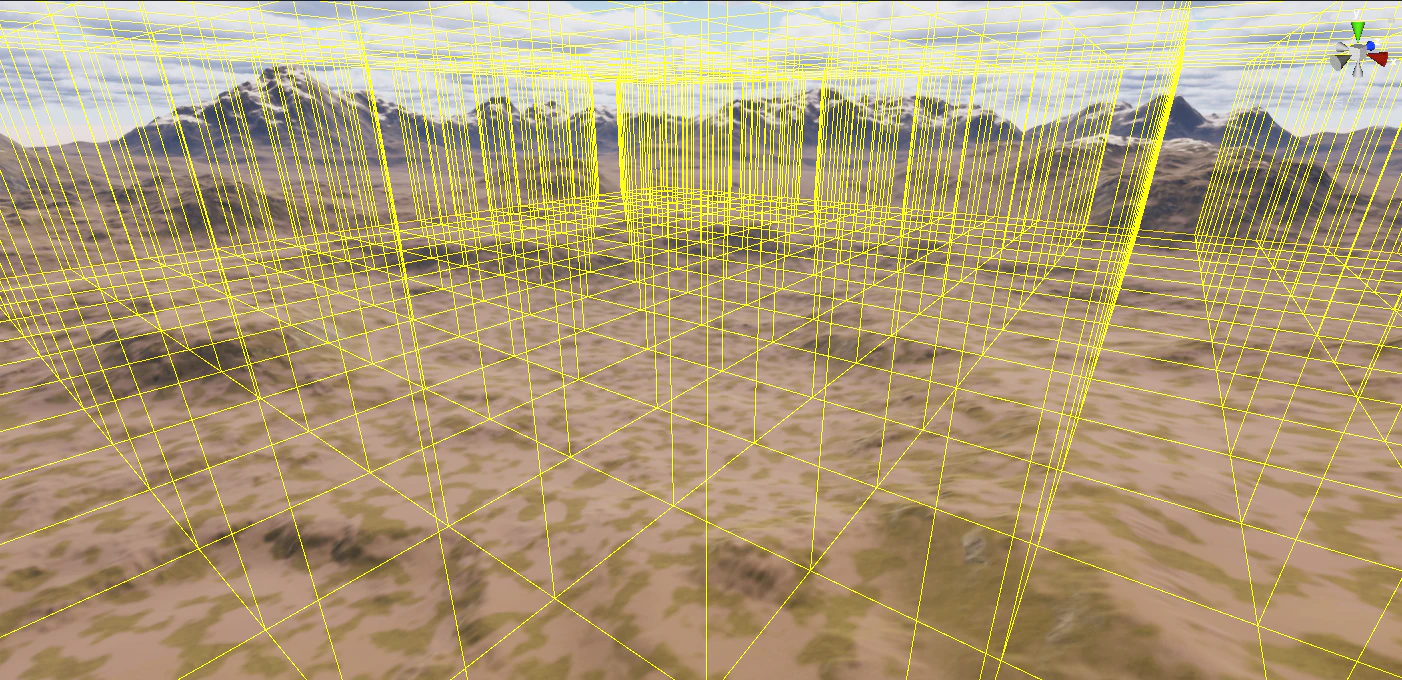
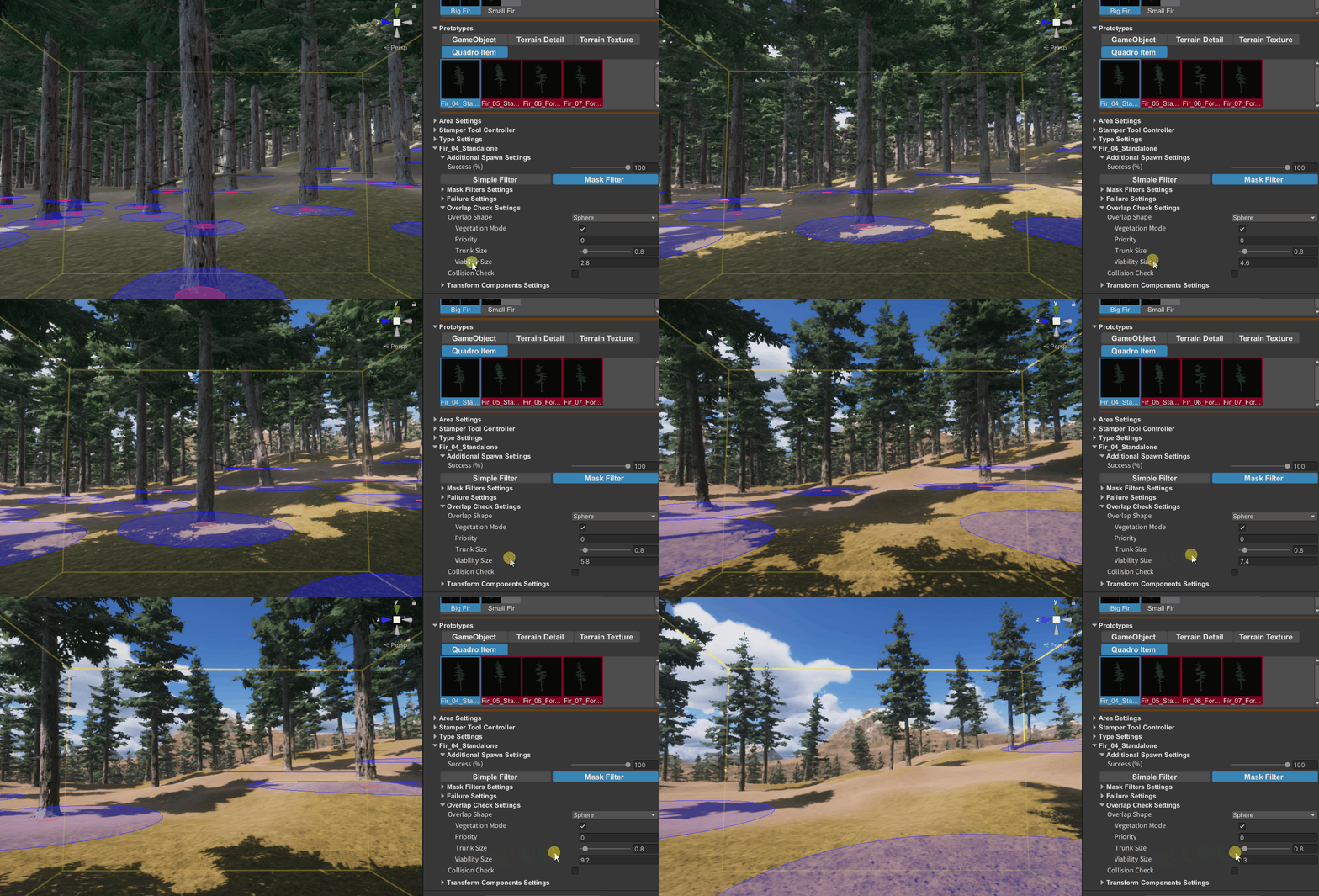
Overlap Check Settings visualization
MegaWorld can draw Overlap Check shapes directly in the scene view. To enable the preview, turn on Visualize Overlap Check Settings inside Precise Place.