How It Works
The component stack runs each active component sequentially. The output of one component becomes the input of the next, so order matters. You can enable or disable individual components without removing them. Only one instance of each component type can exist in the stack at a time.
Available Components
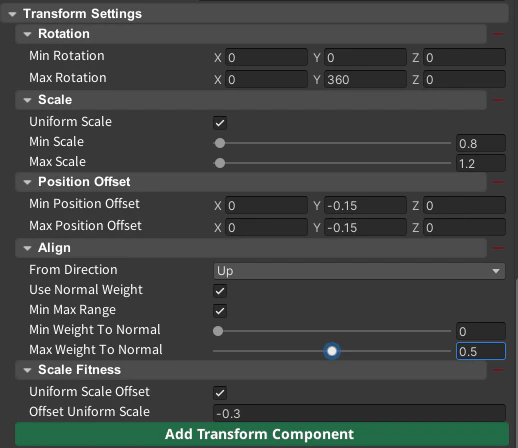
Align
Blend object rotation toward the surface normal for natural terrain placement.
Additional Rotation
Apply a fixed Euler angle rotation offset on top of existing rotation.
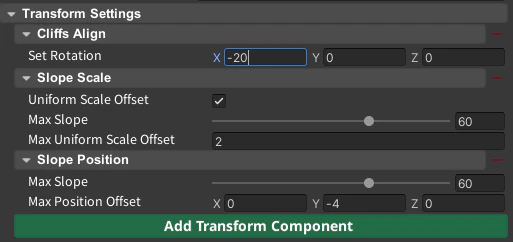
Cliffs Align
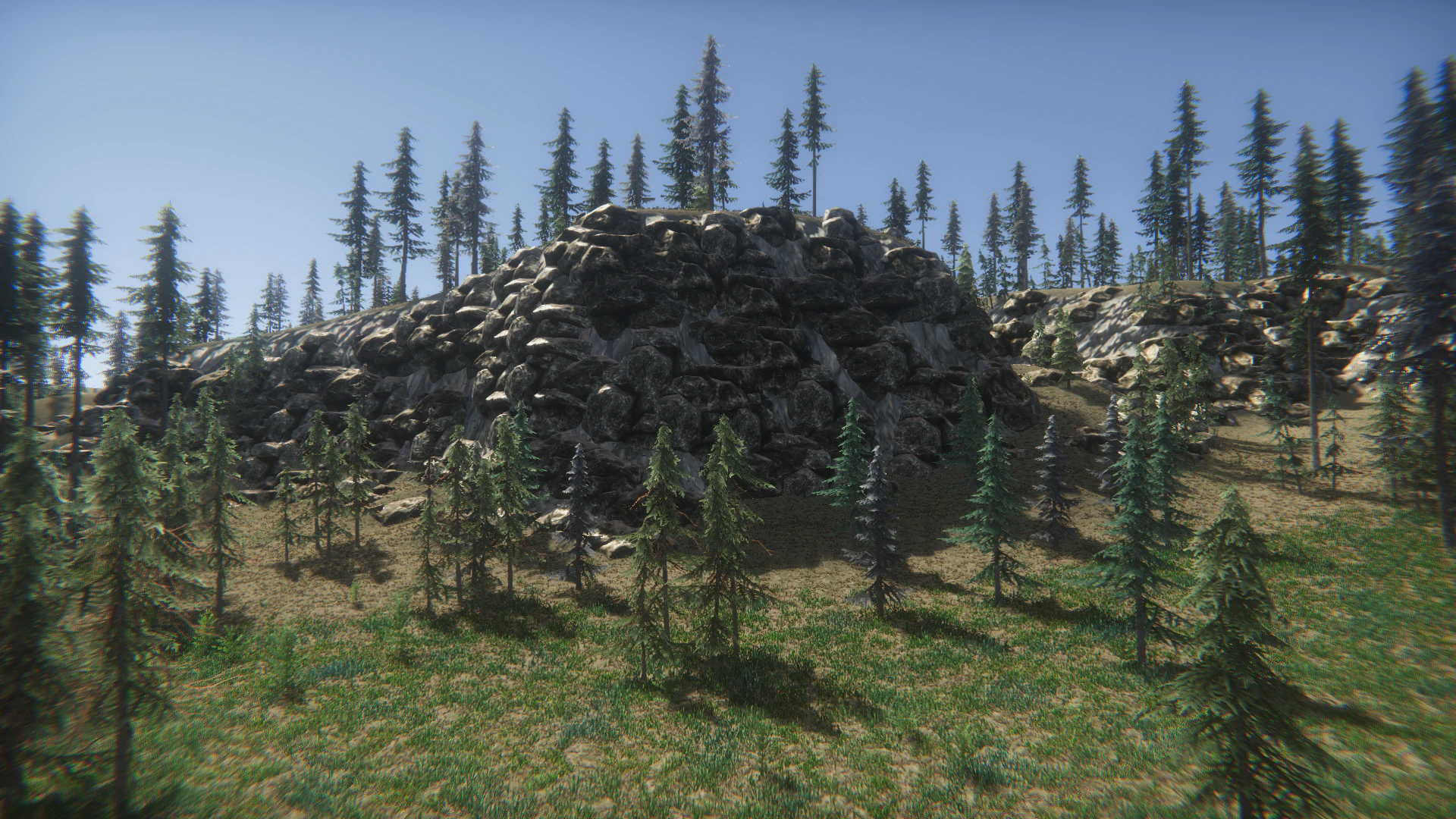
Rotate objects to face the cliff edge — useful for rocks with missing backside polygons.
Cliffs Position
Push objects away from the cliff face along the surface normal direction.
Position Offset
Apply a random vertical (Y-axis) offset to the spawn position.
Rotation
Randomize rotation on any combination of X, Y, and Z axes.
Scale
Apply a random scale — uniformly or independently per axis.
Scale Clamp
Enforce minimum and maximum scale limits after other components run.
Scale Fitness
Reduce object size when placement fitness is low.
Slope Position
Sink objects lower on steeper slopes.
Slope Scale
Increase object scale on steeper slopes.
Snap Rotation
Restrict rotation to fixed angle increments (e.g. 90°, 45°).
Tree Rotation
Y-axis dominant rotation for trees, with occasional full 3D tilt.
Common Setups
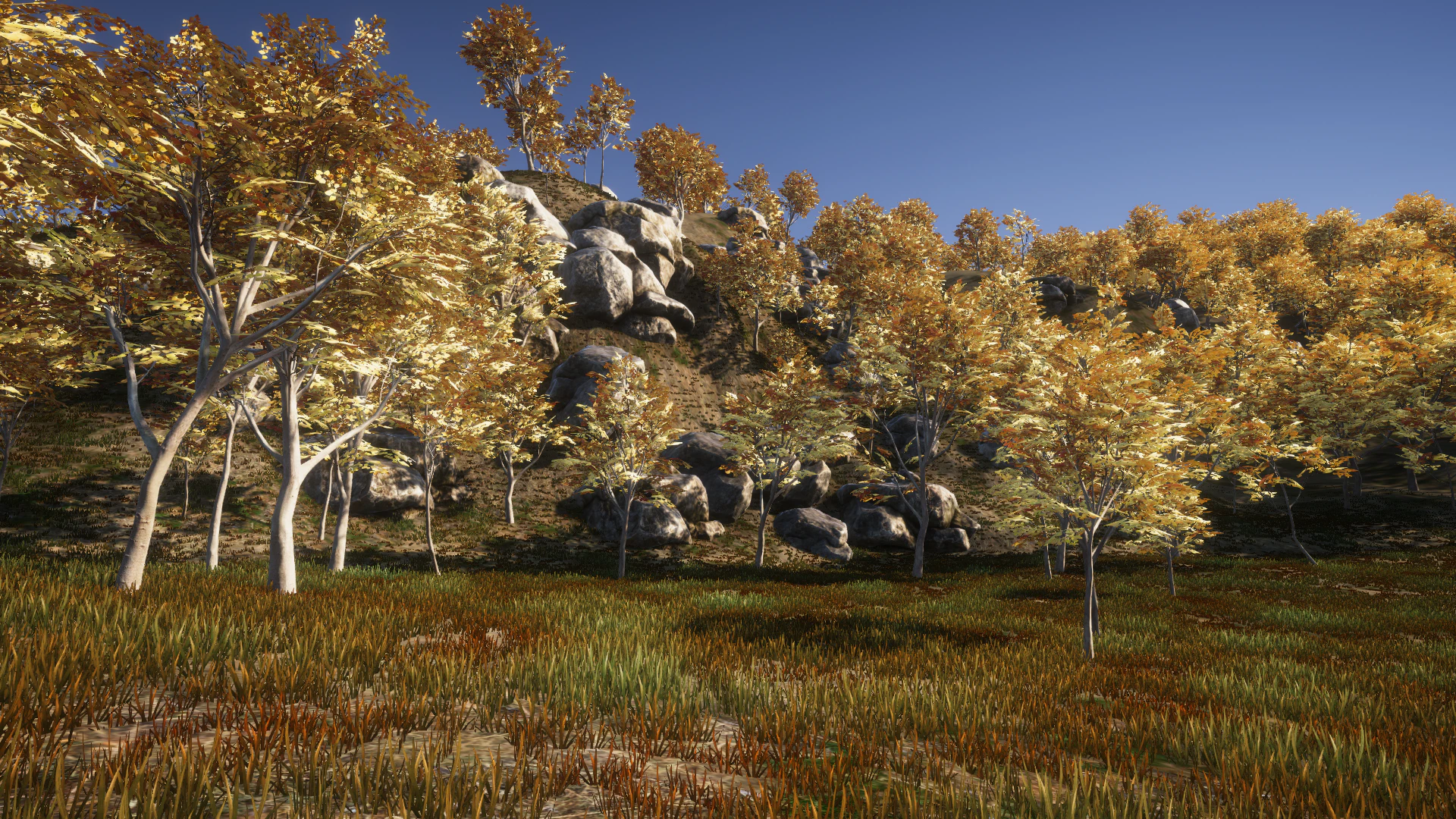
Terrain vegetation (grass, bushes): Align + Slope Position + Slope Scale + Position Offset Cliffs and rocks: Cliffs Align + Cliffs Position + Scale