
The Prototypes tab stores the list of objects rendered by Terrain Object Renderer. It is divided into Groups and Prototypes. A Group contains prototypes. You can create, delete, rename, and reorganize Groups.Documentation Index
Fetch the complete documentation index at: https://docs.abberia.com/llms.txt
Use this file to discover all available pages before exploring further.
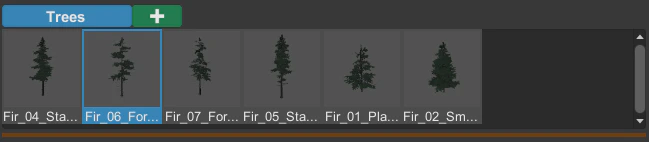
Prototype context menu
Right-click a prototype to open its context menu.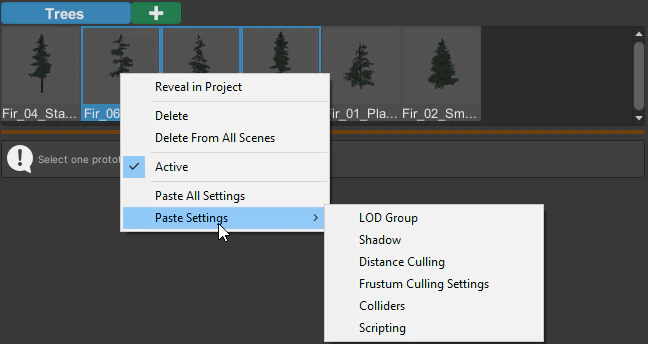
- Reveal in Project — shows the prefab location in the Project window.
- Delete — removes the prototype from the current scene.
- Delete From All Scenes — deletes the global prototype data from the Resources folder.
- Active — controls whether the prototype is rendered.
- Copy All Settings and Paste All Settings — copy or paste every prototype setting.
- Paste Settings — paste selected setting groups.
- Group — move selected prototypes to a Group.