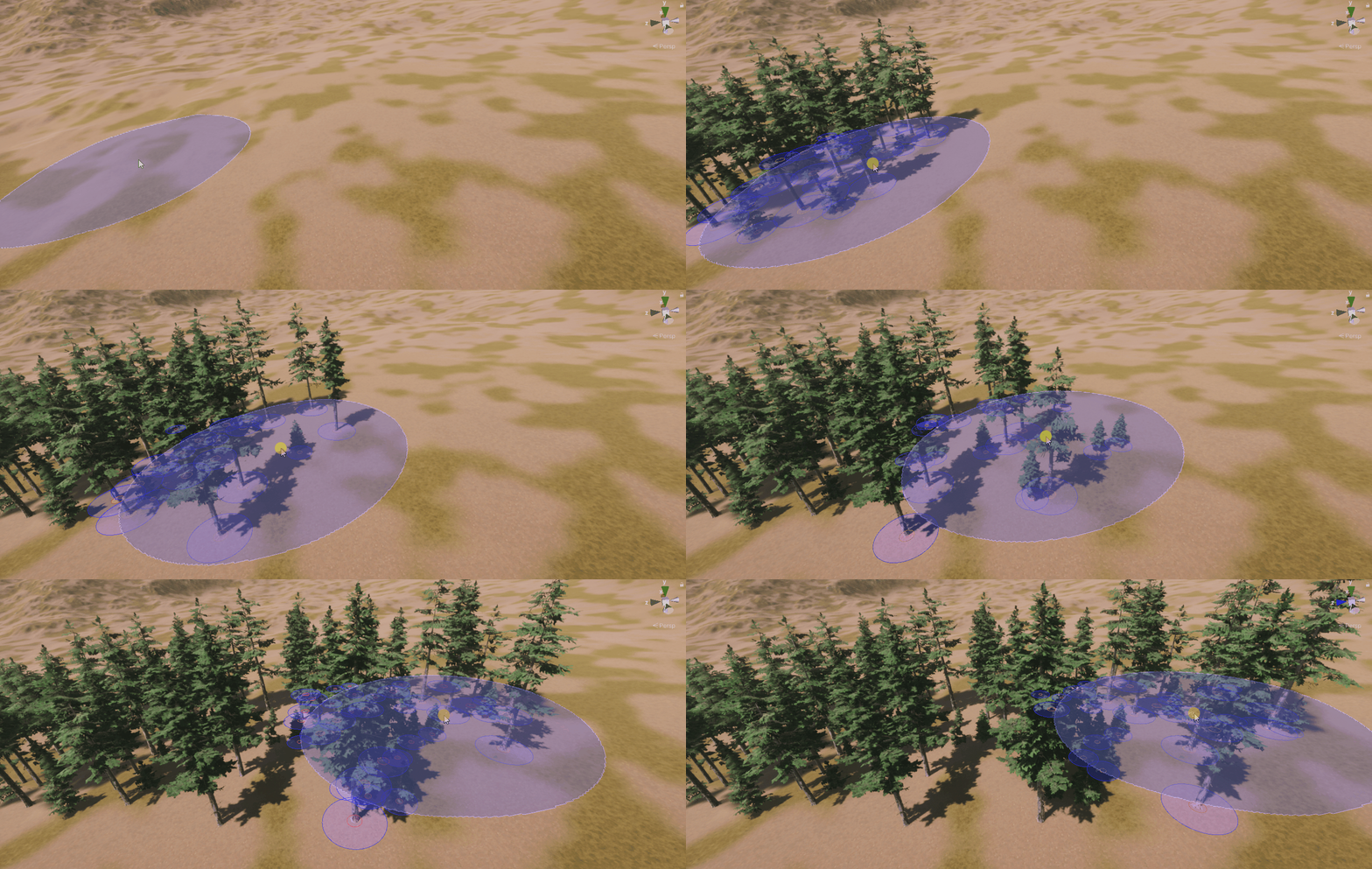
The most realistic spawn
Advanced Brush combines manual painting with the full MegaWorld placement stack — filters, transforms, overlap checks, and scatter. Every stroke respects the same rules as procedural passes, so hand-painted areas blend naturally with stamper-generated results.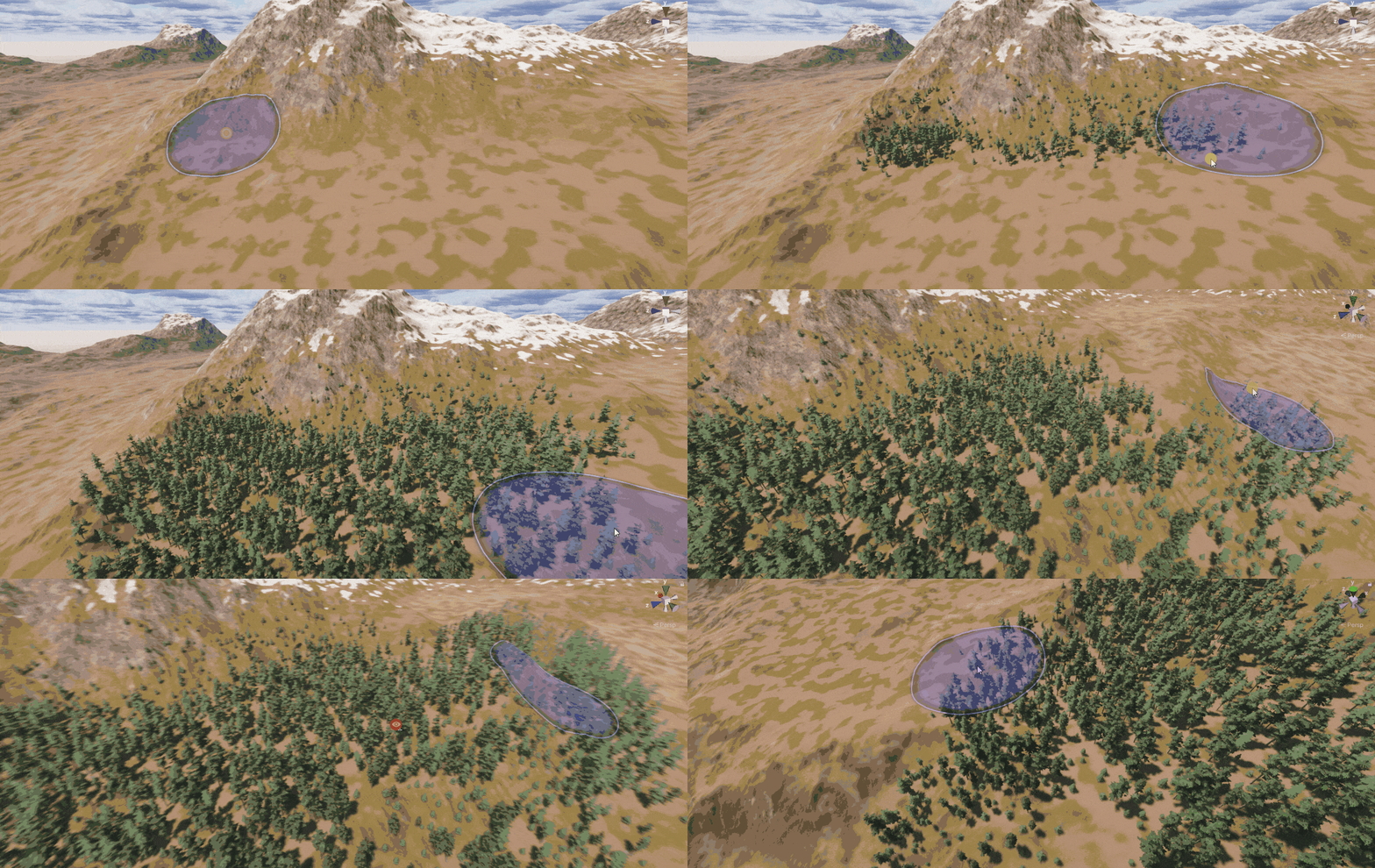
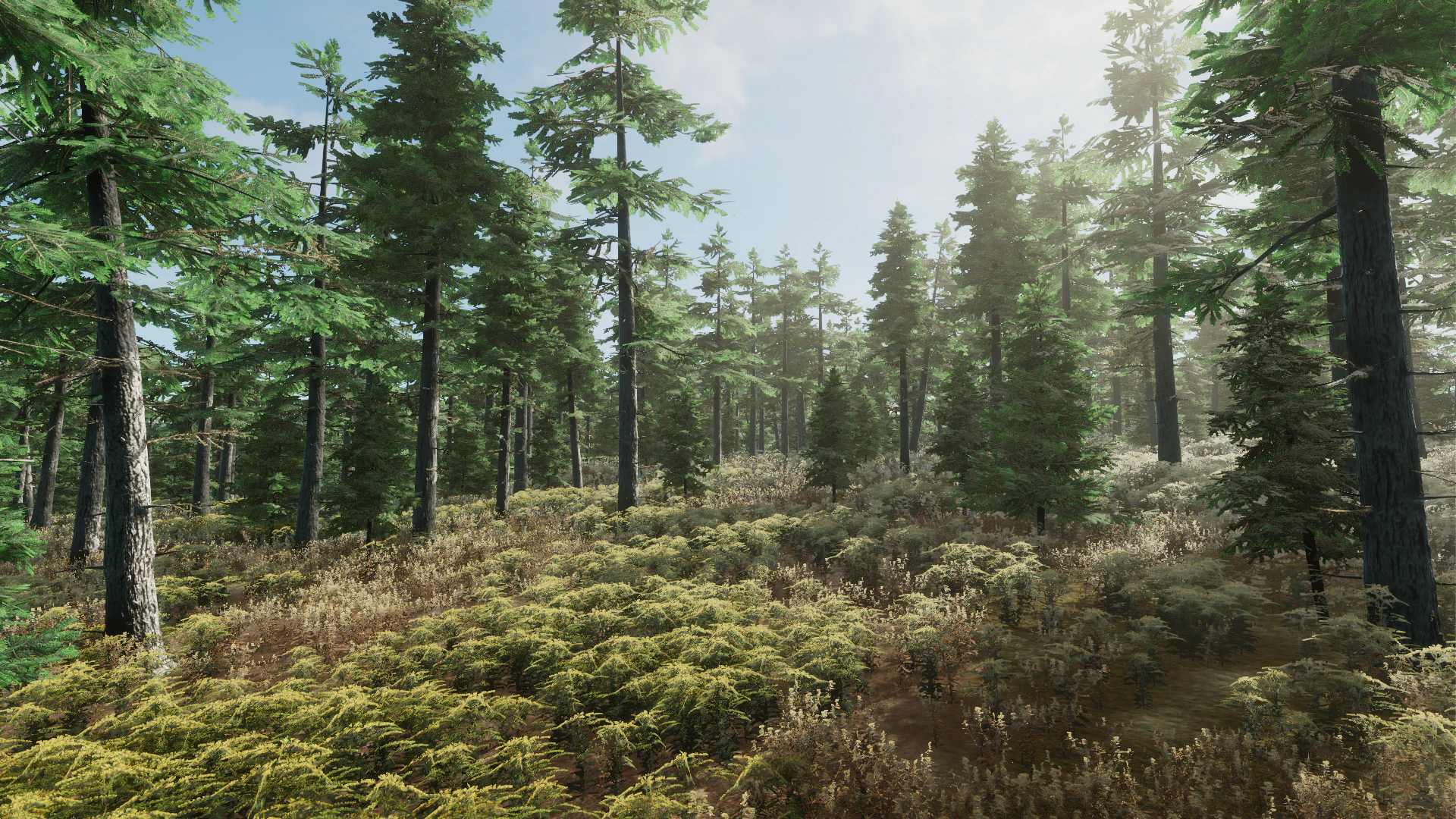
Spawn support for all resource types
Advanced Brush works with all four MegaWorld resource kinds:- Terrain Object and Unity/GameObject — painting with filters, transforms, and overlap checks
- Unity/Terrain Detail — interactive grass and mesh detail painting
- Unity/Terrain Texture — direct terrain texture painting with mask filter support
Shared settings with Terrain Spawner
Types in MegaWorld are reusable presets. A Type configured in Terrain Spawner can be used directly in Advanced Brush with no extra setup. Build your rules once in the stamper, then hand-paint with the same rules in the brush.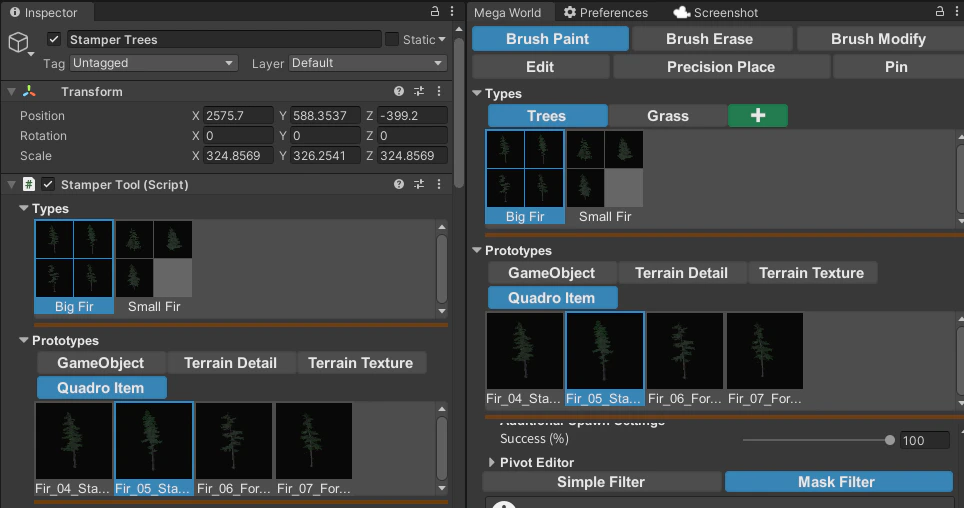
Live visualization
Advanced Brush draws a preview in the scene view while you hover:- With a Mask Filter active, the filter output is overlaid on the terrain inside the brush circle.
- With Simple Filter selected, a handle-based preview of the placement area is shown.
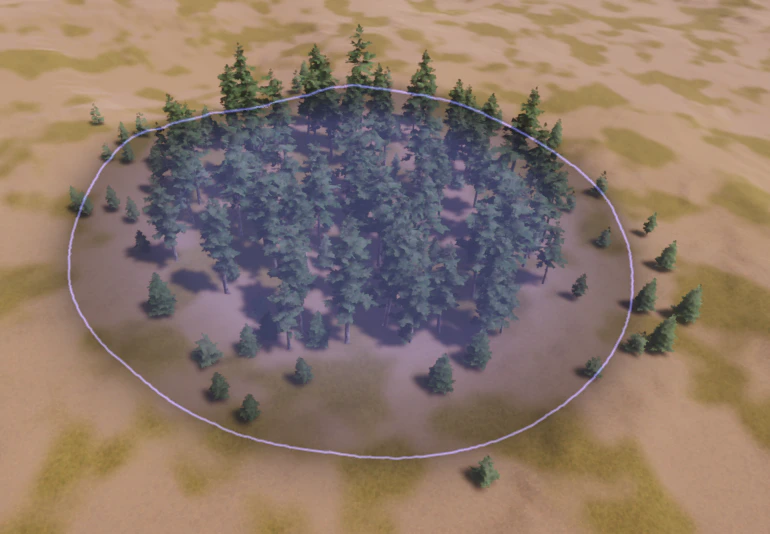
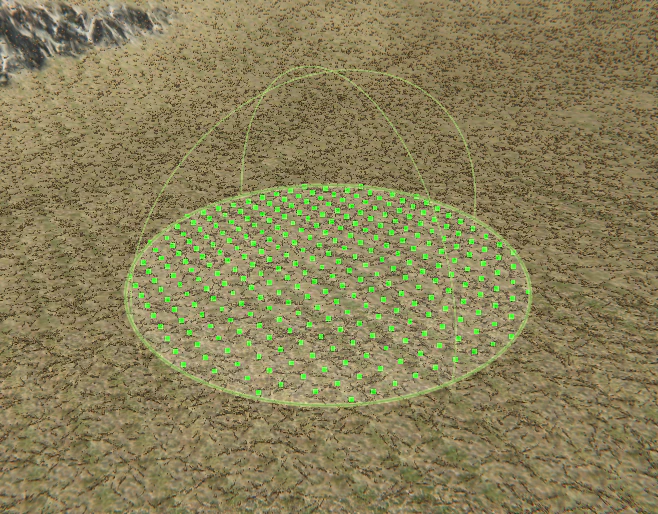
Spherical spawn support
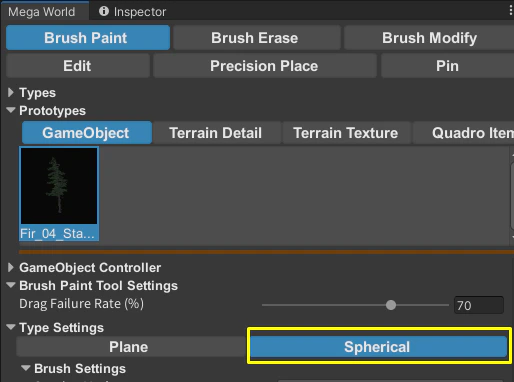
Enable Spherical mode to paint on non-terrain surfaces such as sphere geometry or curved meshes. In spherical mode, Mask Filters are replaced by Simple Filter, and only compatible scatter algorithms are available.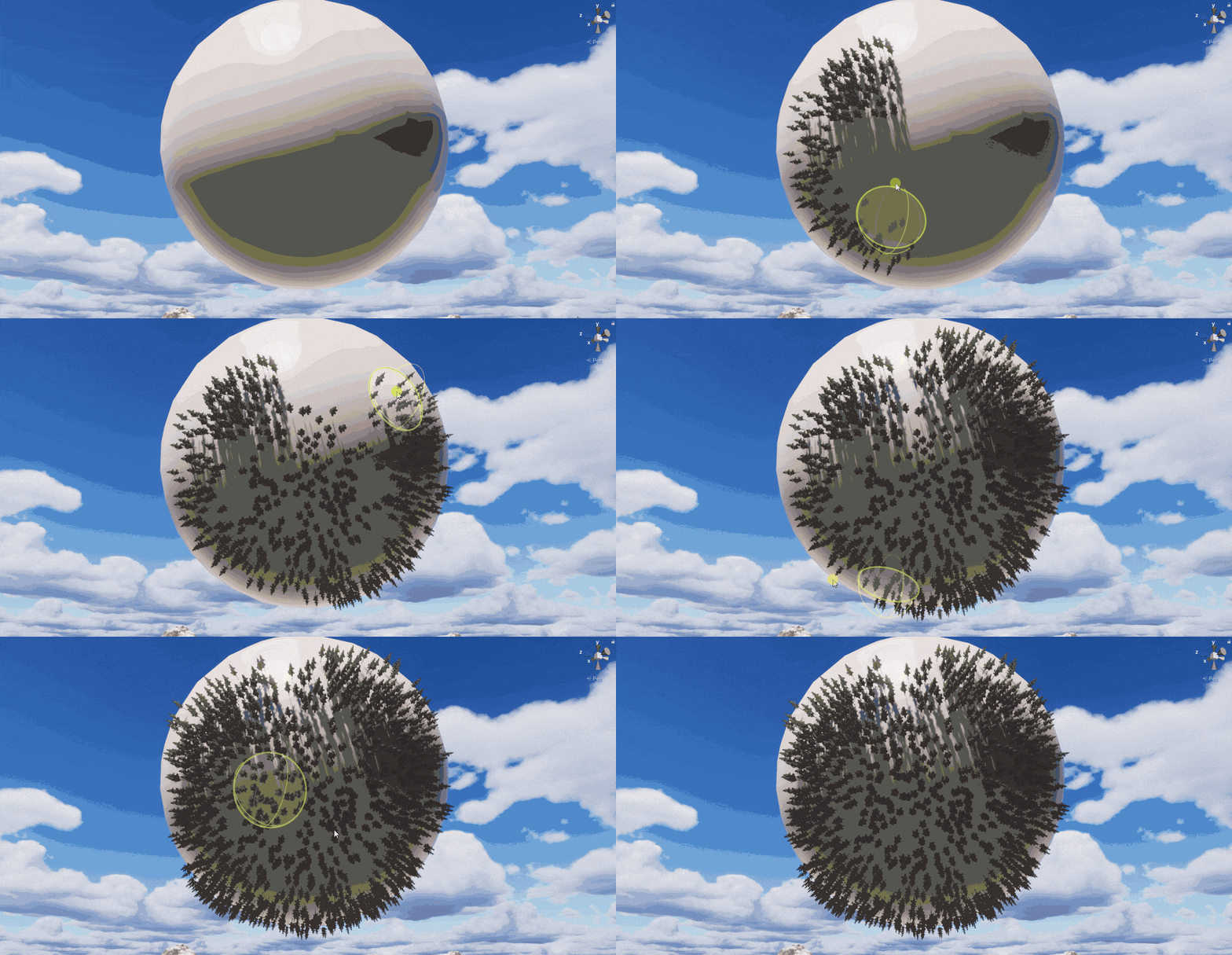
Cell support
Placed objects are stored in spatial cells. This enables Overlap Check Settings, and makes tools like Brush Erase and Edit aware of exactly where each object was placed.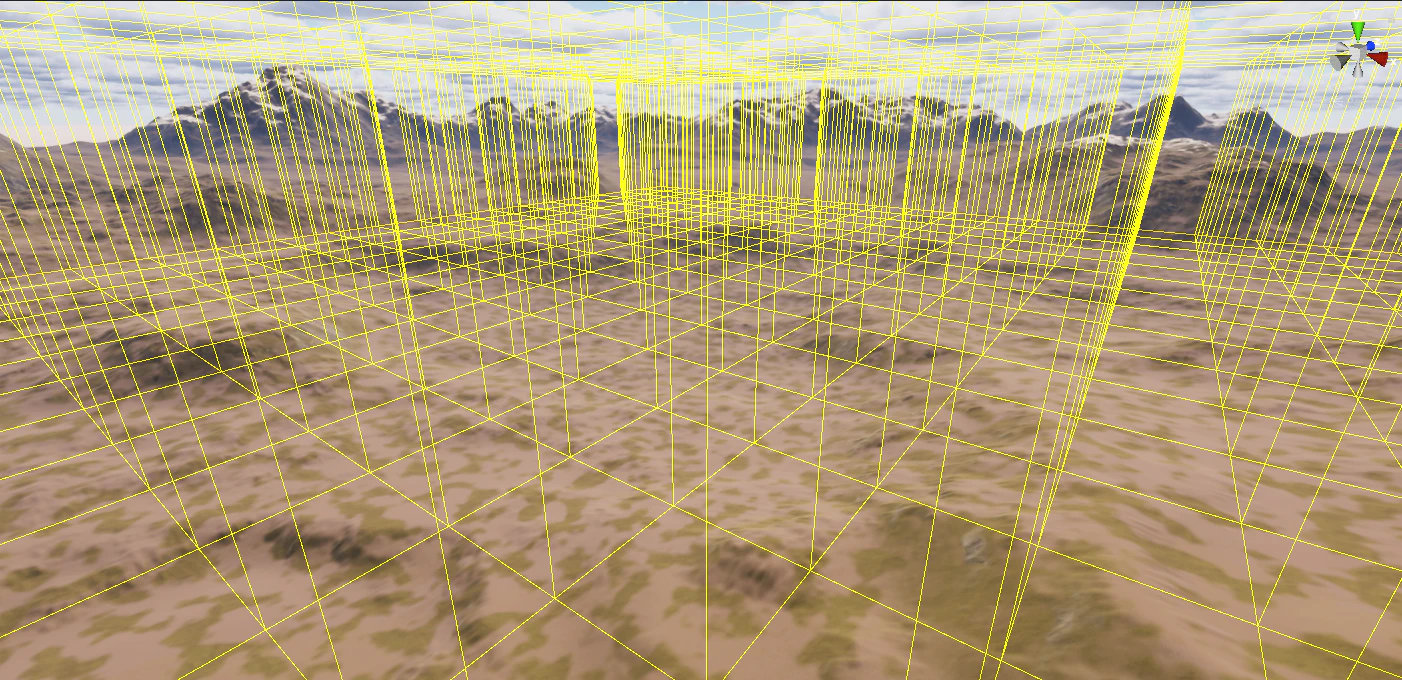
Overlap Check Settings visualization
MegaWorld can draw Overlap Check shapes directly in the scene view. To enable the preview, turn on Visualize Overlap Check Settings inside Precise Place.