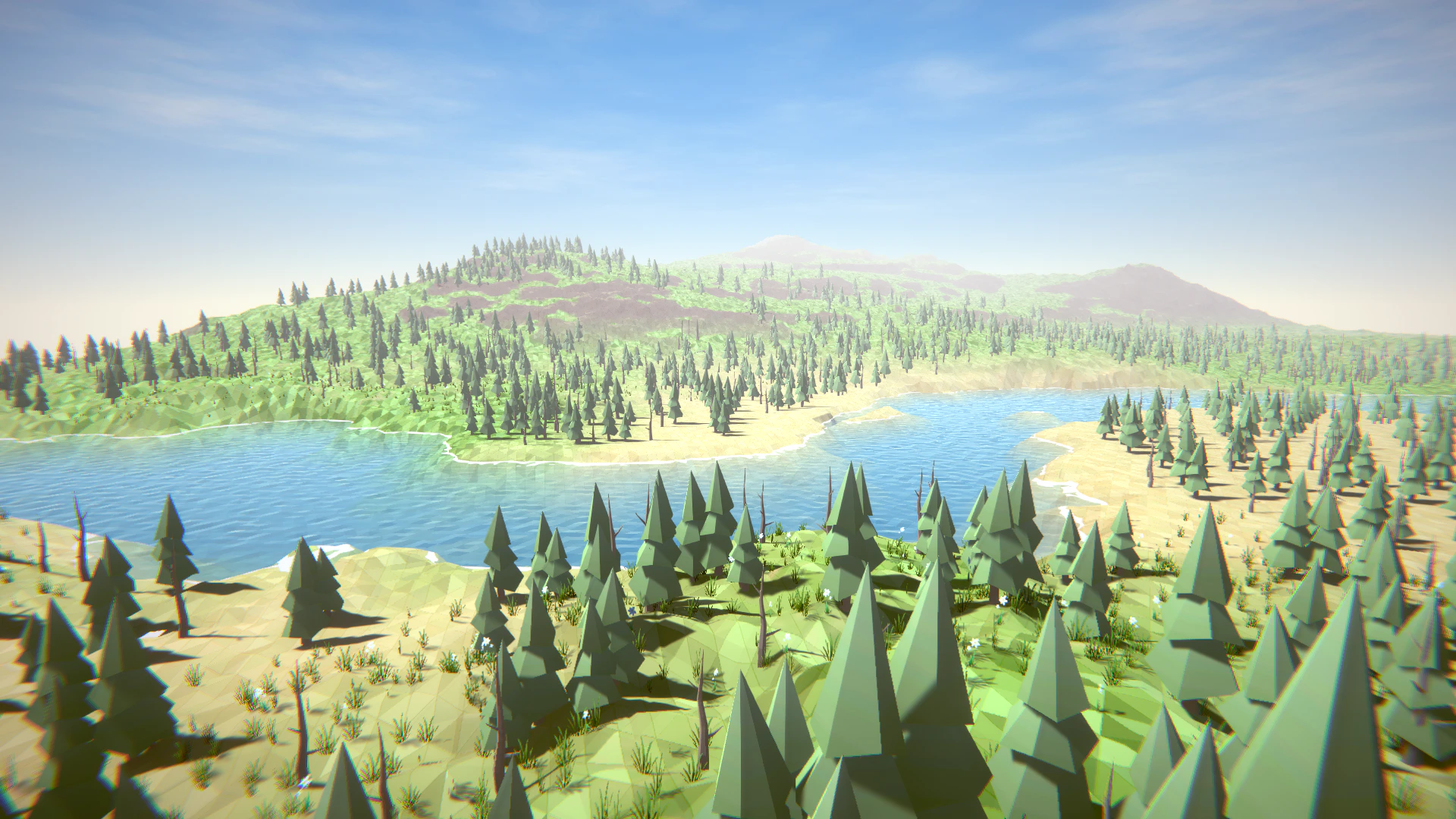
Terrain Object Renderer renders large terrain objects with GPU Instanced Indirect and terrain-focused culling. It is built for scenes with thousands of objects where GameObject-based rendering would cost too much CPU time.Documentation Index
Fetch the complete documentation index at: https://docs.abberia.com/llms.txt
Use this file to discover all available pages before exploring further.
Tens of thousands of objects in one draw call
Terrain Object Renderer can render large forests and object fields with a very small number of draw calls. This is useful for procedural scenes where many objects share the same prototype.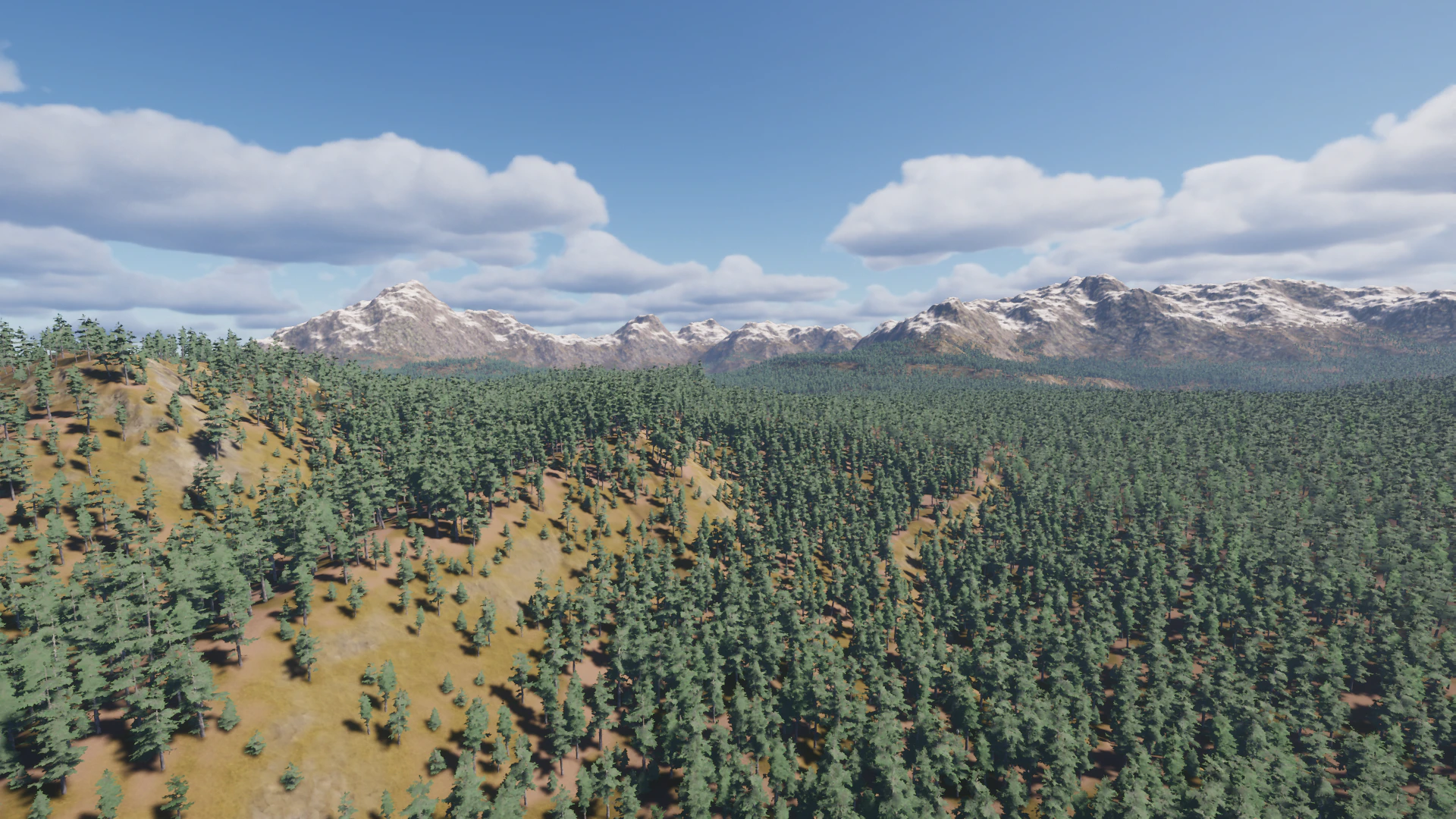
GPU frustum culling
GPU frustum culling skips objects that are outside the camera view. This reduces rendering work while keeping dense scenes responsive.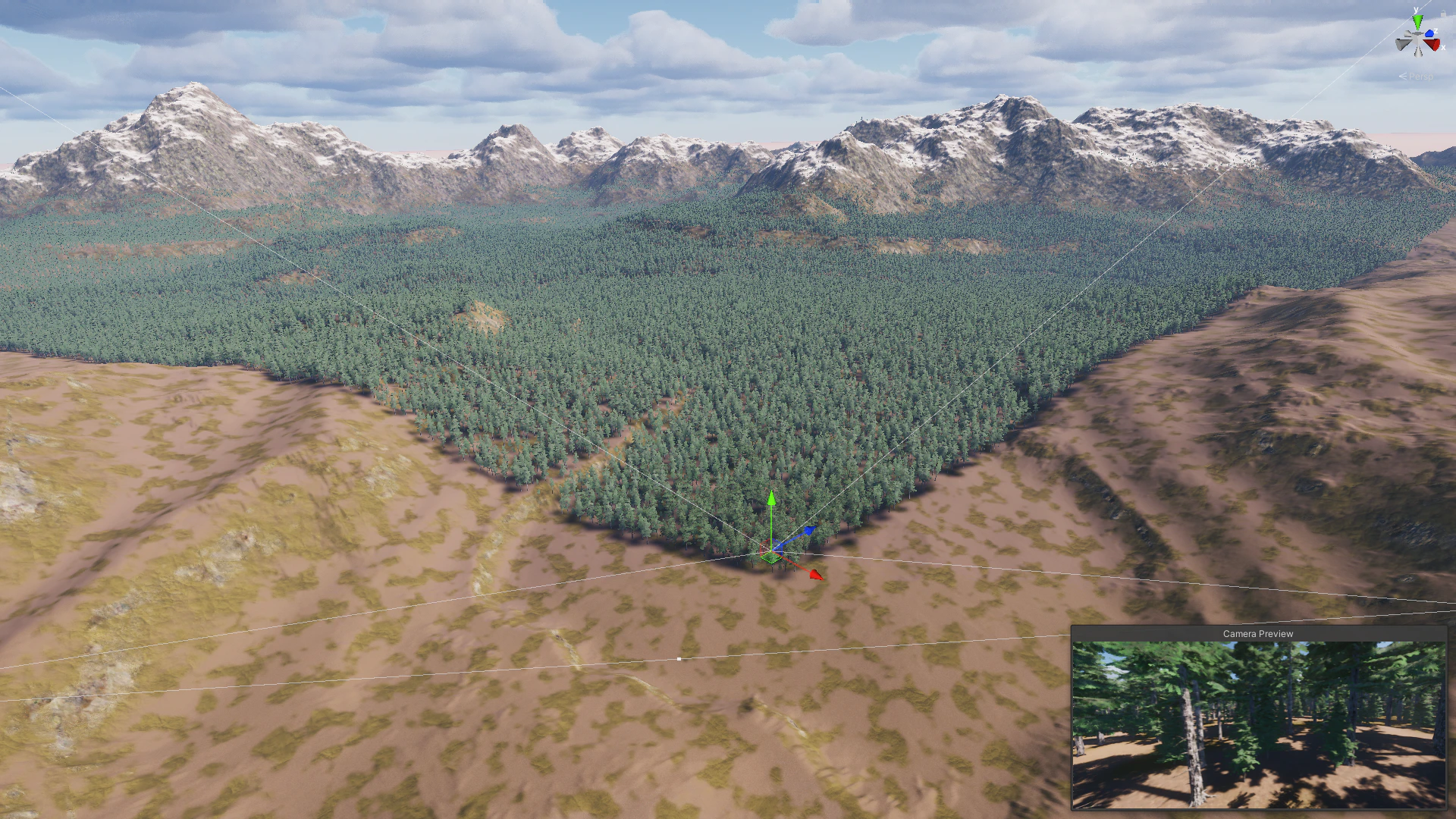
Terrain Cells Occlusion Culling
Terrain Cells Occlusion Culling uses Jobs and Burst Compiler to check cell visibility. It is most effective when your scene uses terrains because the renderer can cull hidden terrain cells quickly.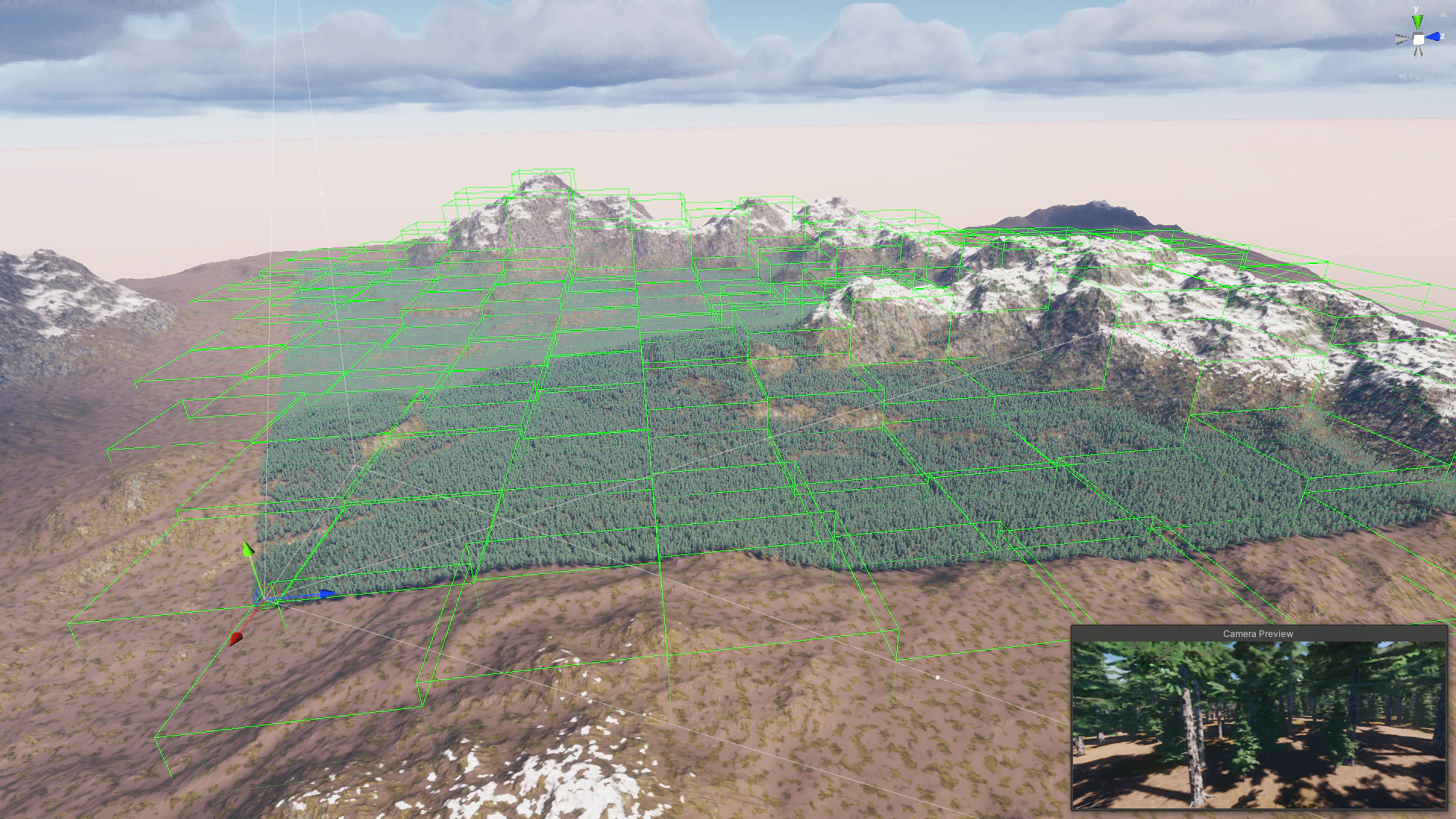
Scripting support
Terrain Object Renderer supports per-object scripting for rendered instances. You can build interactions such as chopping trees, shooting trees with raycasts, forest fires, or physics-driven effects.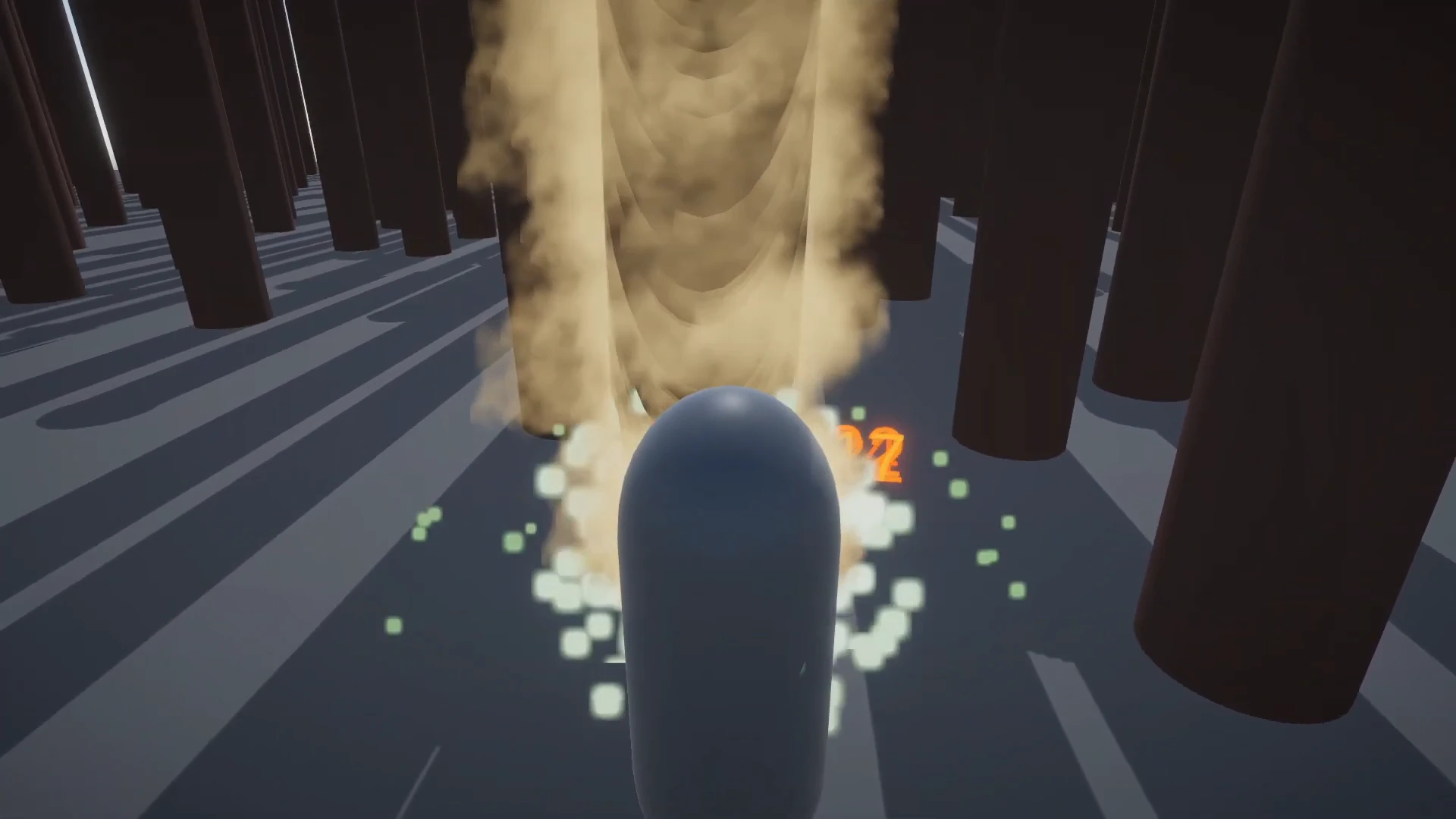
Custom raycast
You can raycast Terrain Object Renderer instances directly. The ray hits the rendered mesh, which lets you get the specific instance, delete it, change its transform, or disable it from rendering.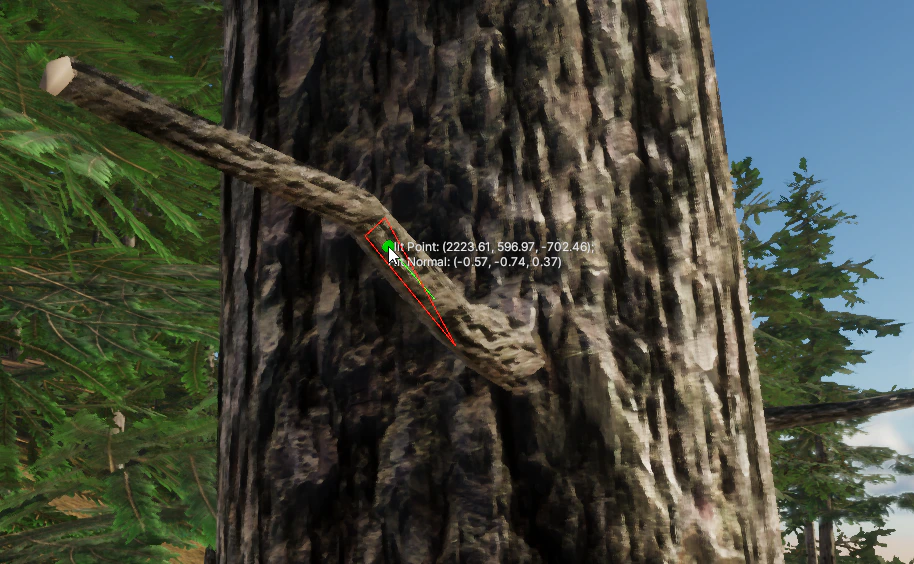
Collider support
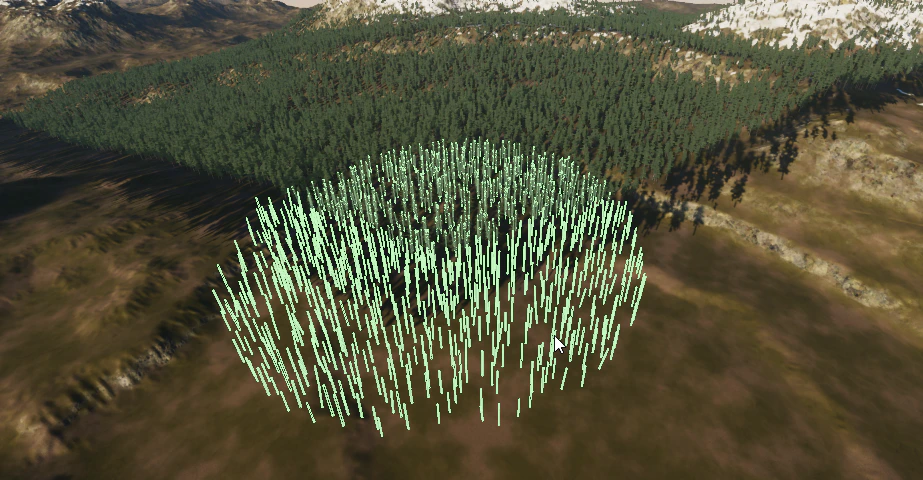
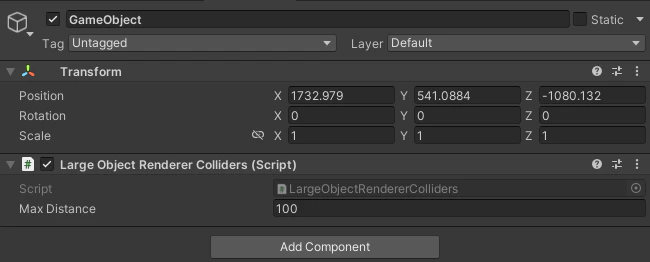
Terrain Object Renderer can create colliders from the original prefab. If the prefab has multiple colliders, the renderer can use them. If a prefab has no collider, it can still appear in the renderer without collider data. Colliders appear within a configured distance from the camera or from selected objects.Colliders around the camera
Colliders around objects
Object-based collider placement is useful when the gameplay camera is high above a character, but the character still needs nearby collision.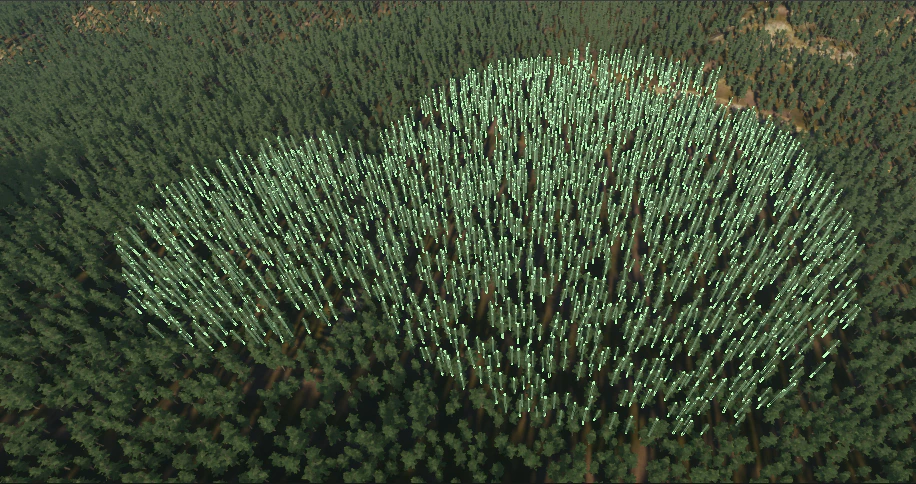
Automatic shader generation
When you add a prefab, Terrain Object Renderer can generate a GPU Instanced Indirect shader for it. This works for custom.shader files inside your project.
Optimized Edit Mode rendering
In Edit Mode, Terrain Object Renderer uses occlusion culling without baking and fast frustum culling with Jobs and Burst Compiler. This keeps large terrain scenes responsive while you tune rendering distance, prototypes, and placement data.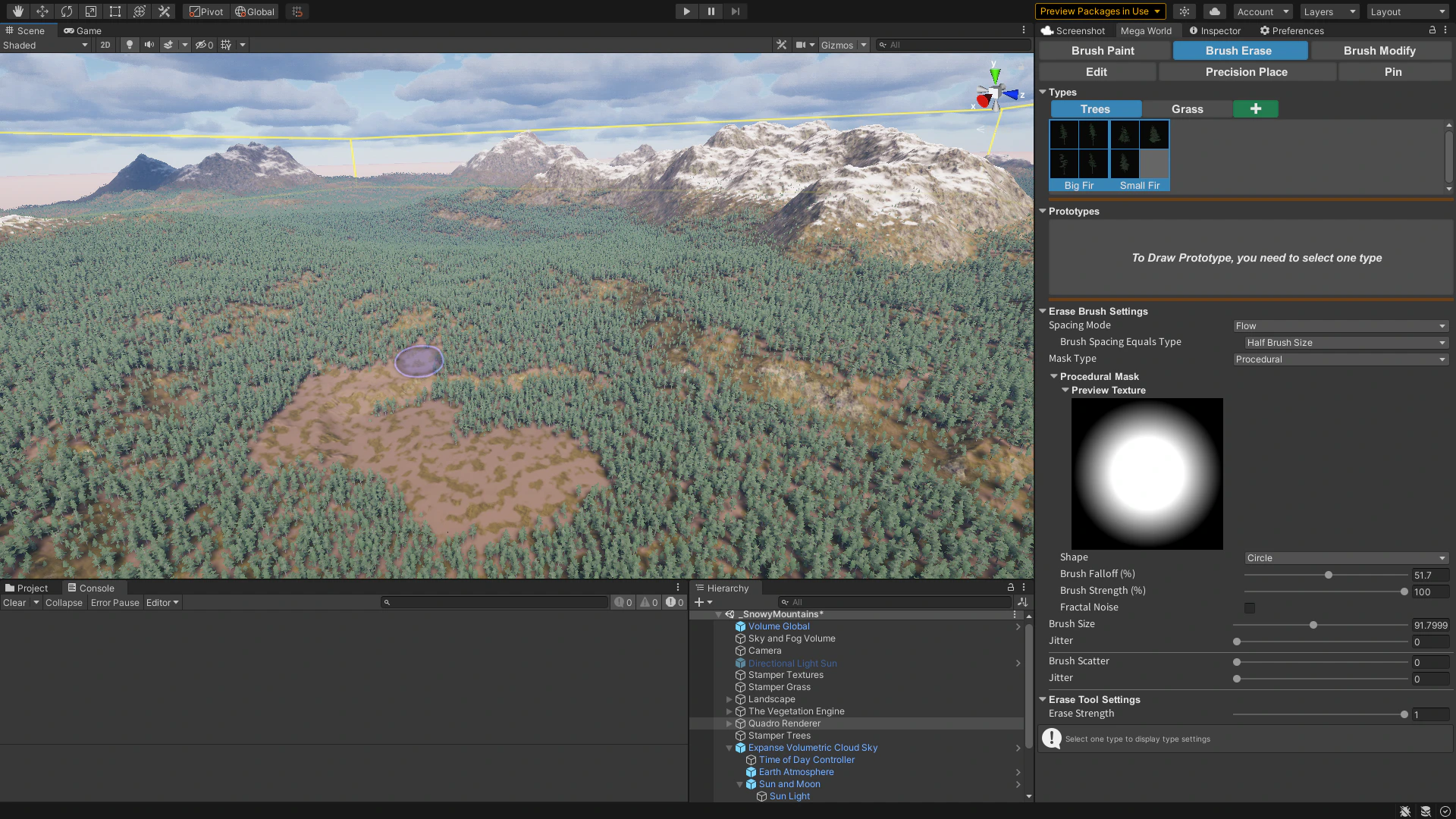
No-GameObject workflow
Terrain Object Renderer does not instantiate a GameObject for each rendered object. Unity has less object-management work to do, which reduces CPU cost in large scenes.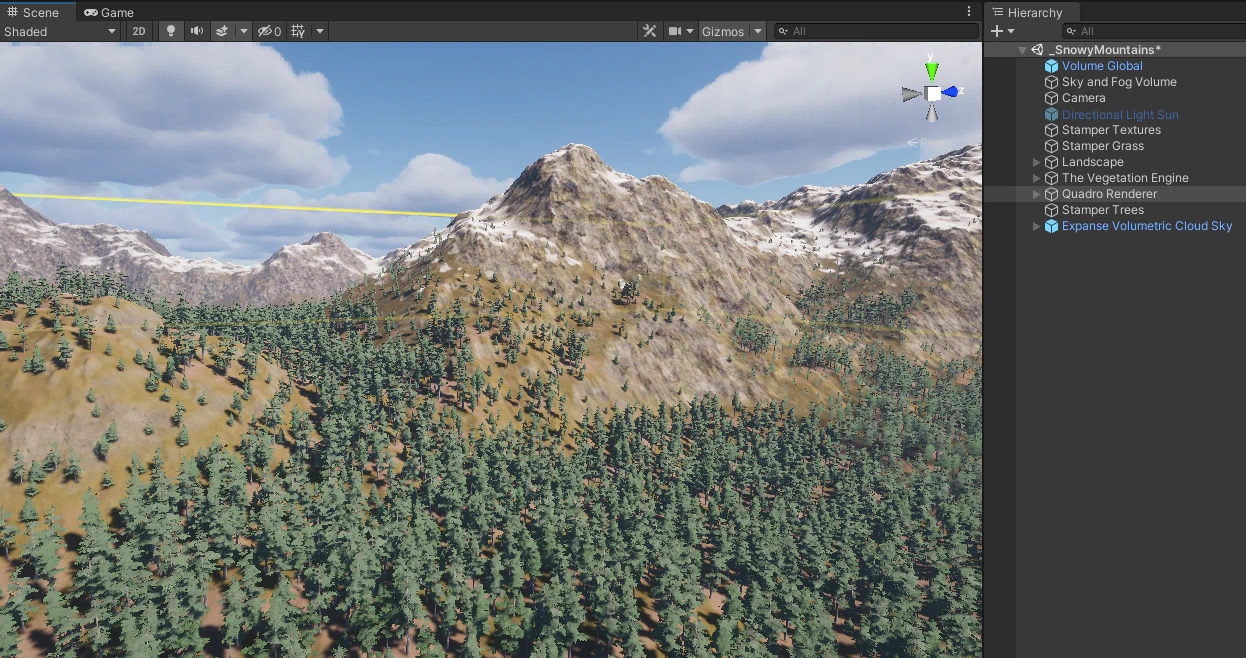
LOD Groups
Terrain Object Renderer supports LOD Groups. If a prefab has an LOD Group, the renderer detects it and instances each LOD level separately. LOD distance calculations run on the GPU. Shadows are supported for LOD Groups. You can choose which LOD level casts shadows for each instance LOD, use lower-detail LODs for shadows, or disable shadows for lower LOD levels.Additional shadows
When the sun is not pointing straight down, shadows can remain visible even when the object casting them is outside the camera frustum. Additional shadows are part of Frustum Culling and add visible shadows to a separate shadow buffer. You can also set a custom shadow distance per prototype to reduce shadow cost where distant shadows do not affect the scene.Multiple cameras
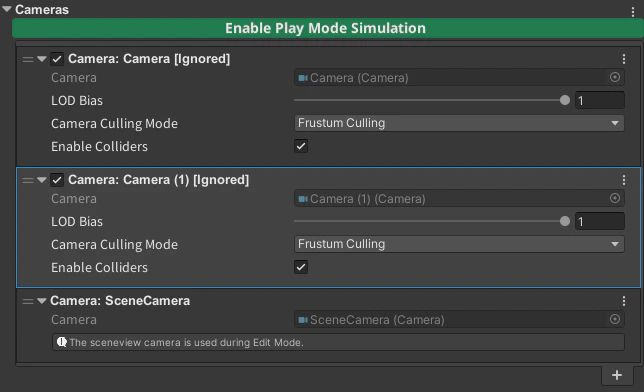
Each camera renders only the objects visible to that camera. This prevents one camera from reusing another camera’s selection and accidentally rendering vegetation twice.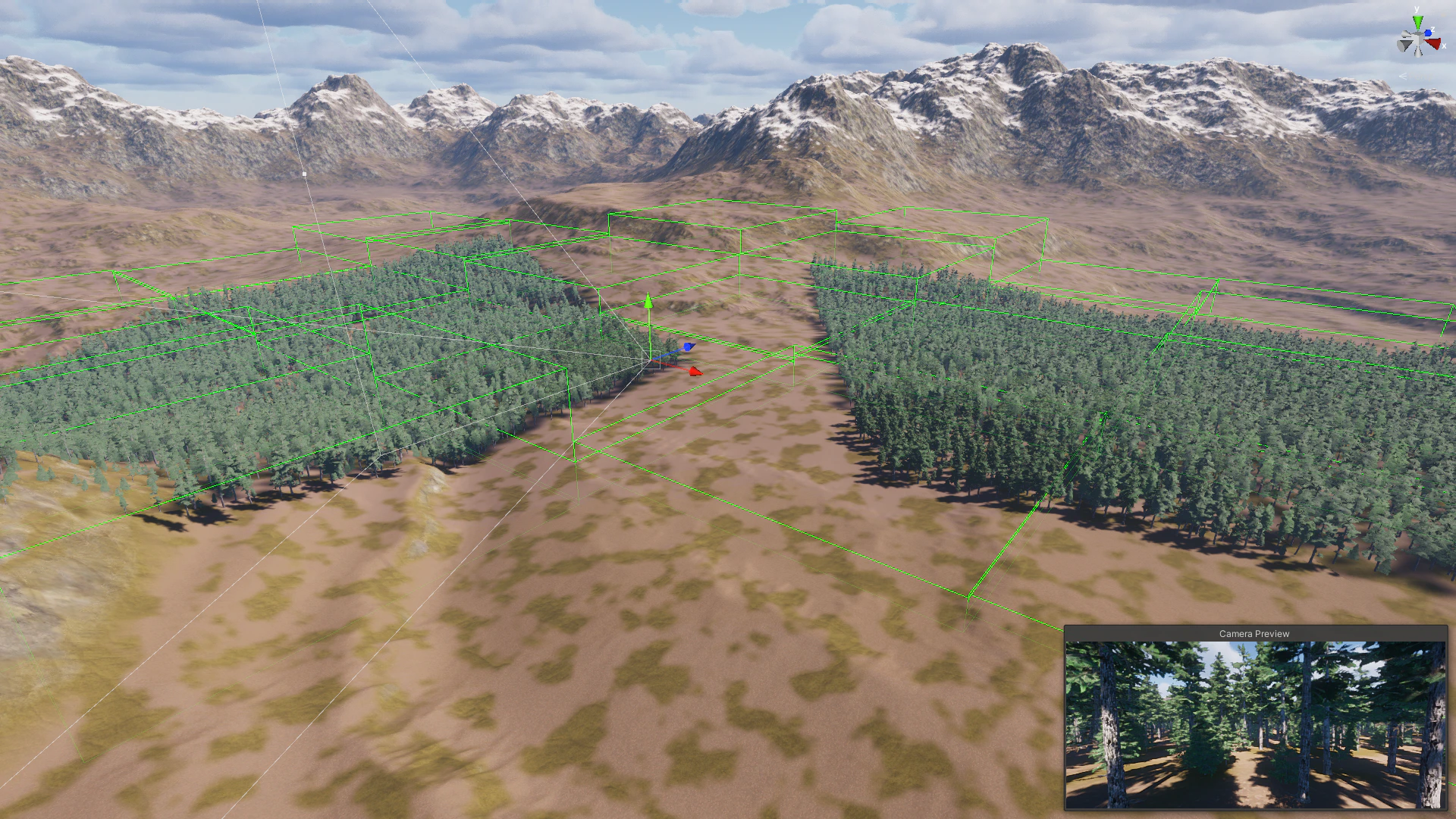
Unity Terrain and terrain mesh support
Terrain Object Renderer works with Unity Terrain and terrain mesh workflows such as Polaris.